


Payment of an invoice through a QR code (PAY BY SQUARE)
The QR code on electronic and paper invoices is a practical tool for quick payment. It contains all necessary information to make the payment, such as IBAN, variable symbol, amount and recipient name. This code allows easy and accurate payment without the need to rewrite data manually. You can use the QR code when paying via a mobile banking application or at the post office.
KJG a.s. uses QR codes based on the „PAY by square“ platform from the Slovak Banking Association, which is compatible with the SEPA standard.
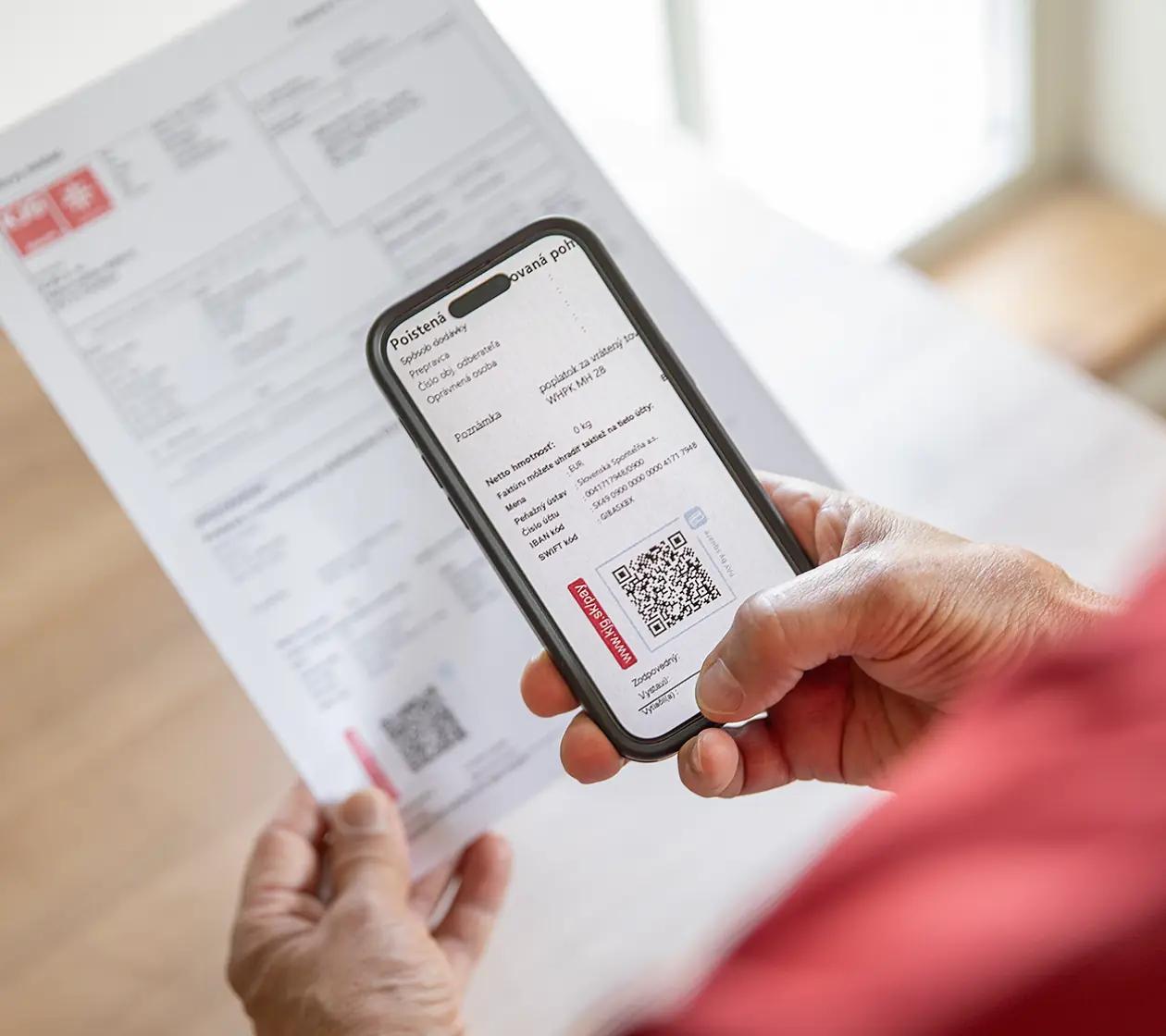

Before paying with a QR code check your account status.
Before making a payment with a QR code, we recommend verifying whether the amount on the invoice corresponds to the amount to be paid specified in the Account Status Information. The QR code shows the amount from the invoice. If you have a different amount in the Account Status Information (for example, due to overpayment or underpayment), after loading the QR code in the mobile application, adjust the amount to the correct value before completing the payment. This will ensure that your account is settled with a zero balance.
How to use QR code in mobile banking application
- Open an invoice with a QR code on your computer or other device screen, or print it out.
- On your smartphone, start your bank’s mobile app, go to the payments section and select the option QR code scan. The camera starts automatically.
- Direct the camera perpendicularly to the QR code from a distance of 10 – 30 cm and wait for the application to load the data.
- Check the loaded data and adjust it as needed.Confirm the payment.
Note: You can try loading the sample QR code on this page. Remember that this code is fictitious and does not serve for real payment. To pay the invoice, use the QR code listed on it..
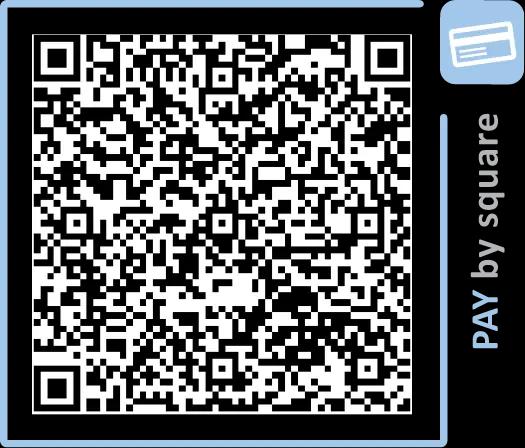
Sample QR code.
It does not serve for a real payment.
How to load a QR code without using a computer
- If your banking application supports loading images from your mobile gallery, you just need to display the QR code on your smartphone and take a screenshot image. In the application then load the saved image instead of scanning.
- Ask someone to take a picture of the QR code on your smartphone and then scan it from their device. The QR code does not contain any personal data, so the risk of misuse is minimal. After the transaction is complete, your friend can delete the photo.
How to pay with a QR code at the post office
The QR code can also simplify payment at the post office, but a special fee according to the postal rates may be charged for this method.
Do you want to ask about our products or services?
Newsletter
Subscribe to the newsletter and receive regular useful information about KJG products.